Second Line
by  · New Orleans
Your event, live on the wall.
Guests snap photos from their phones and watch them appear on the big screen in seconds. No app, no logins — just a QR code and a room full of cameras, all feeding one beautiful live wall.
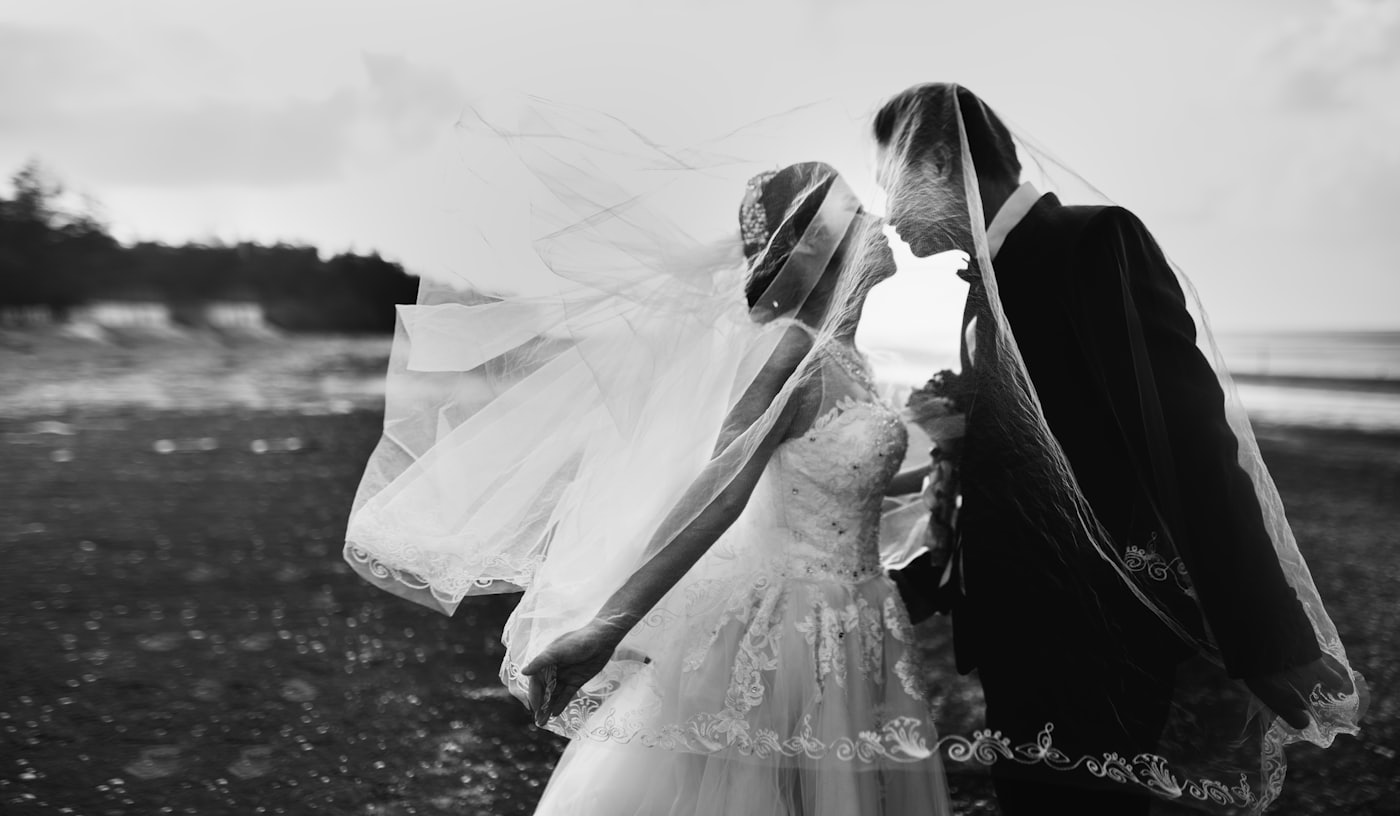
A live wall, mid-celebration — this is what your guests see.
Three steps. Zero friction.
From "scan this" to "look at the screen" in under a minute — no downloads, no sign-ups, no fuss.
Scan
Guests point their camera at the QR code on the wall or table cards. The upload page opens right in their browser.
Share
They pick a few favorite photos or videos, add their name, and tap share. That's the entire flow.
On the screen
Their shots appear on the live wall within seconds, crossfading through the night for everyone to enjoy.
Good to know
The details hosts ask about most.
How do guests add photos?+
They scan the QR code on the wall or on your table cards — no app to download, no account to make. Snap, share, and it appears on the big screen in seconds.
How long do the photos stay up?+
Every event gallery stays live for 180 days, so guests can revisit and download long after the last dance.
Who can see our photos?+
Galleries are private and link-only — there is no public directory and links are unguessable. Only people you share the link with can view them.
Do we get the original files?+
Yes. Hosts get a full-resolution ZIP download of every photo and video shared during the event.
Ready to light up your next event?
Weddings, receptions, parties, corporate nights — if there's a screen and a crowd, Second Line belongs there.
Book Second Line for your event